
New Feature
Content Creator & Finder
Distribute Preselection from Editorial App
 Tom Gobich
4 years ago
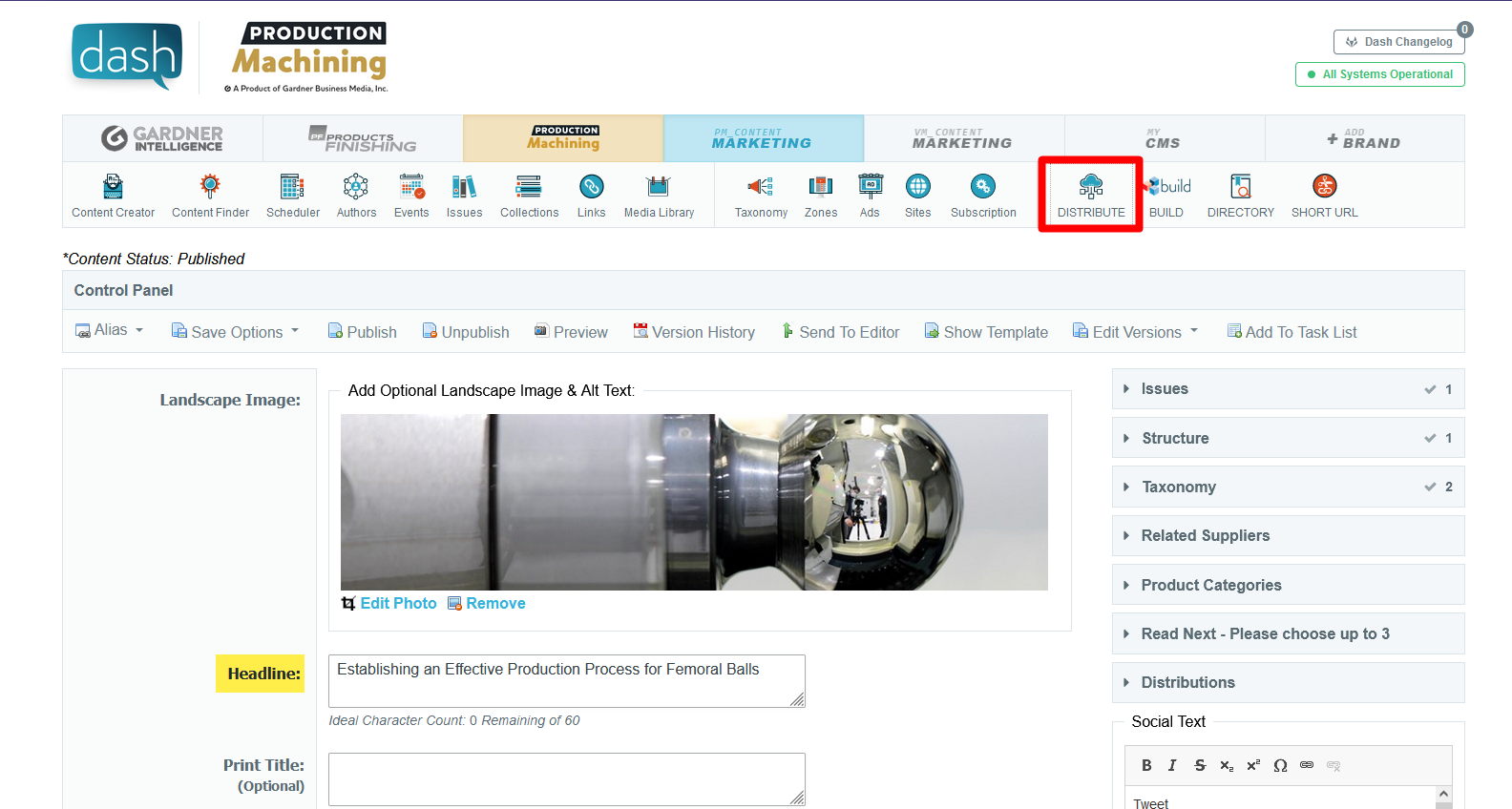
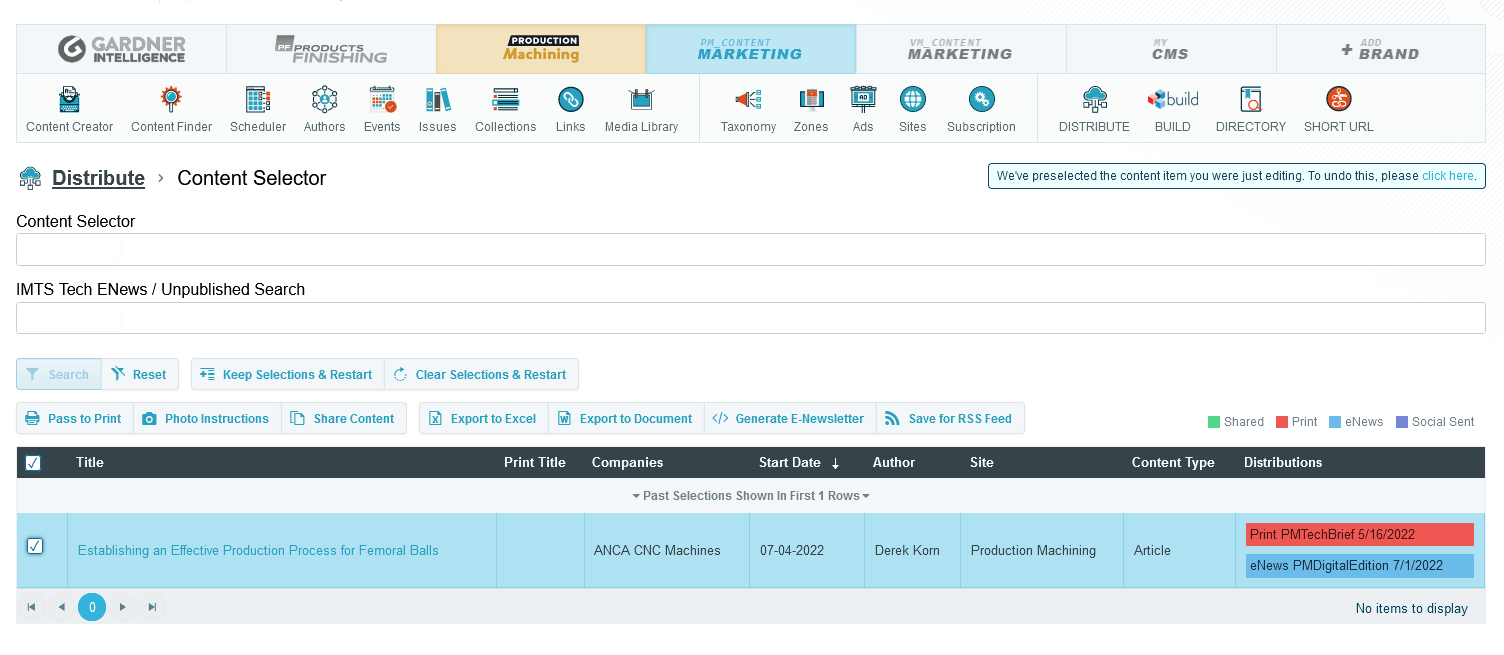
When you travel to Distribute from the Editorial App, Distribute will now load up with the content item you were editing in the Editorial App preselected within the Content Selector of Distribute. From here you can either add more items to your selections or go straight into one of the inner functionalities of Distribute.
You can easily undo this preselection by clicking "Clear Selections & Restart" or clicking the call to action in the alert in the top-right corner of Distribute. This alert is only displayed when this preselection occurs.
 Powered by ChangeCrab