
Unpublish and 301 Redirect
When unpublishing a content item, you can now choose to unpublish the article as a 301 redirect. Unpublish now is a dropdown where you can choose to either 404 the page or 301 redirect.
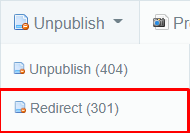
Clicking this option will open a new window that will allow you to insert the URL for which this content should now redirect to (Instead of simply returning a 404 error)
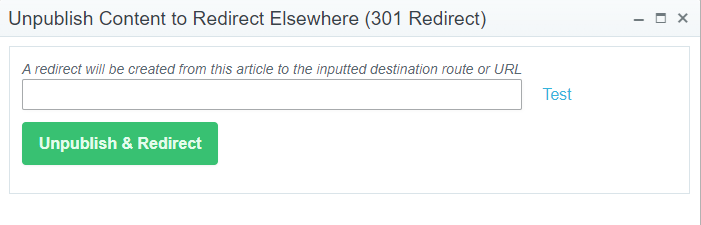
* This new option will come in handy in situations such as merging information from multiple content items into a single one. You would want to only keep the best performing URL and then you could "Unpublish and Redirect" the other items to this URL.
* If there are any existing redirects to a content item when it is unpublished, those redirects will be updated to use the same destination that is given.
* If an unpublished article is published again, all redirects sharing the same destination as the content's current redirect will instead be mapped to this content and the content will no longer redirect. Be sure to clear your browser cache!
 Powered by ChangeCrab